Bottle images
Product-ready bottle imagery for listings, search results, and detail pages.
Wine Label Image API
Retrieve imagery by wine, vintage, Wine Labs ID, or LWIN11. Add your logo, choose a polished Studio background, and request the exact pixel size your catalog needs.
Standard delivered image
$0.20
Minimum purchase
100 credits
No file delivered means no charge.
Request → delivery
Typical website catalog workflow
Request
Delivered assets
Wine image delivery
Connect product identities to the visual assets customers expect to see when browsing, comparing, buying, or managing wine.
Product-ready bottle imagery for listings, search results, and detail pages.
Clear front-label assets tied to the requested wine and vintage.
Back-label imagery for richer product records and customer reference.
Missing → delivered
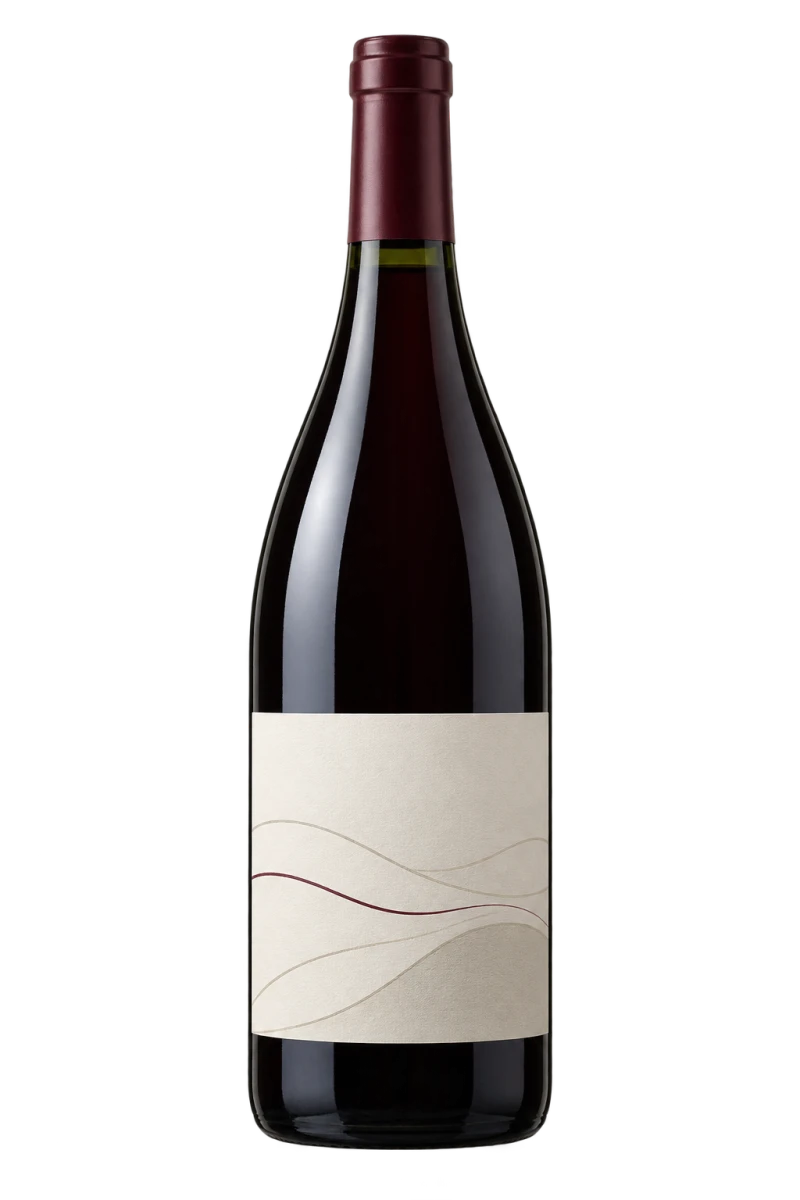
Image missing
Wine and vintage supplied. No usable catalog image.
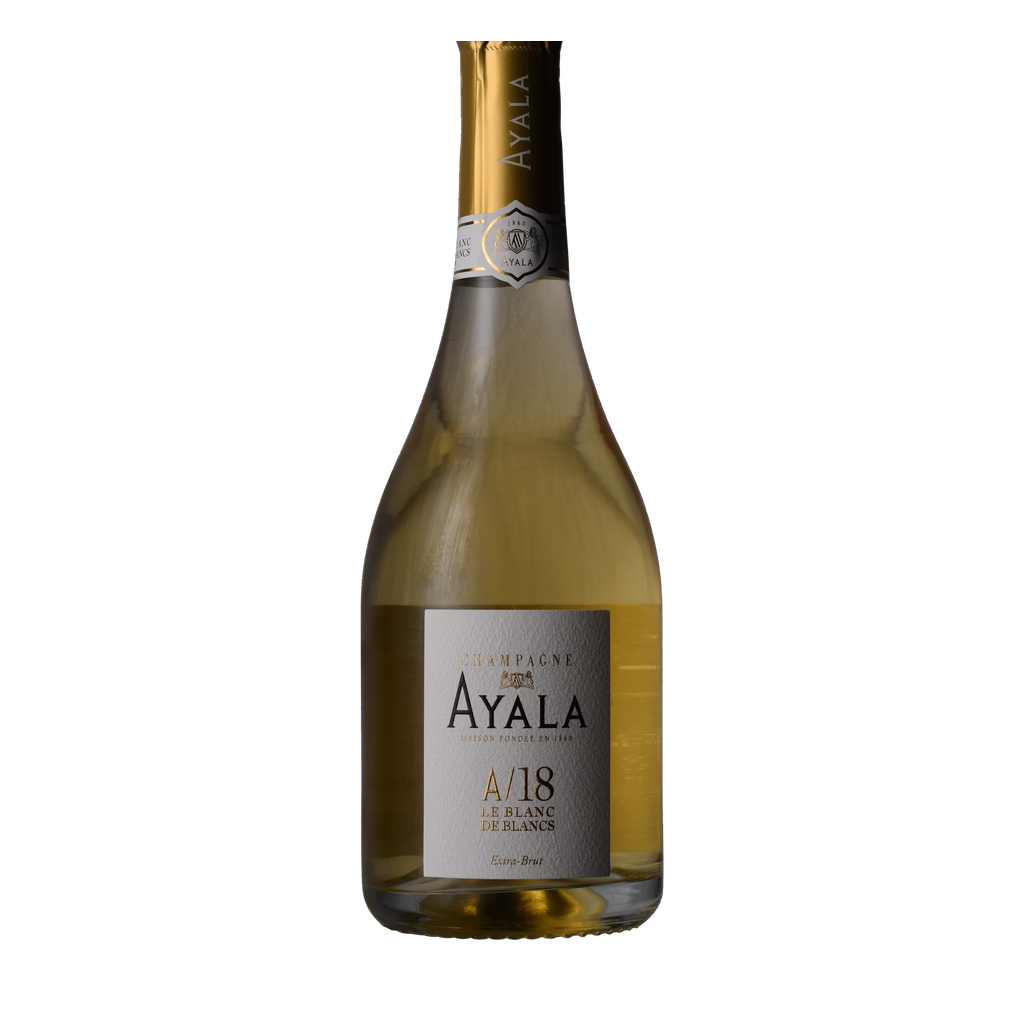
BeforeBottle example
Ayala A/18 · 2018
Use a transparent PNG hosted on your CDN. We add it to the delivered image; the original stays unchanged.
"overlay": {
  "image_url": "https://cdn.example/logo.png",
  "position": "bottom_right",
  "scale": 0.2,
  "opacity": 0.95
}
Logo option: +0.1 credit · no delivery: 0 credits
bottom_right · foreground
center · 20% opacity · −24°
center · filled background layer
Studio backgrounds
Choose Warm stone, Limestone, or Soft rose. We keep the bottle image unchanged and add the background when we deliver it.
 +0.1 credit
 +0.1 credit
 +0.1 credit
Add a logo too: 1.2 credits total. Custom dimensions do not cost extra.
Request a Studio imageIdentifiers
Use a canonical Wine Labs wine identity for a direct catalog-to-asset workflow.
Supply an LWIN11 identifier where available for interoperability with existing wine data.
Use structured producer, wine, and vintage details when an identifier is not supplied.
Scope a larger list of products that need bottle, front-label, or back-label imagery.
Pricing
Buy credits in 100-credit increments, starting at 100 credits. Standard delivery uses 1 credit. A logo adds 0.1 credit, and a Studio background adds 0.1 credit. Requests with no delivered file use no credits.
Send the product identity and the imagery types needed.
Get the bottle, front-label, and back-label files Wine Labs can provide.
Use 1 credit, plus 0.1 for a logo and 0.1 for Studio.
Wine Label API questions
A Wine Label API lets a product request available label or bottle imagery for a known wine record. Wine Labs supports workflows that use wine and vintage details, canonical Wine Labs IDs, or LWIN11 identifiers to connect delivered imagery to the right product record.
Yes. LWIN11 can be supplied as an identifier where it is available. Wine Labs can also work with a canonical Wine Labs wine ID or structured wine and vintage details.
Available output can include a clean bottle image, front label, back label, or a subset of those assets for the requested wine and vintage.
No. Wine label recognition starts with an uploaded photo and attempts to identify the wine. The Wine Labs Wine Label API starts with a known wine identity and retrieves available bottle, front-label, and back-label images for that record.
$0.20 per credit. A standard delivered image uses 1 credit; a logo adds 0.1 credit and a Studio background adds 0.1 credit. Credits are sold in increments of 100, and requests that return no file cost nothing.
Yes. Send a public HTTPS image URL with the request and choose a corner, centered, diagonal, custom, or behind-bottle treatment. Wine Labs creates a request-specific derivative without changing the canonical bottle image.
Only imagery Wine Labs provides is billable. A request that does not produce a delivered bottle or label file is not charged.
Yes. Create an account, open the imagery desk, buy at least 100 delivery credits, and request bottle, front-label, or back-label imagery immediately. You can use the dashboard, upload a CSV, or integrate the documented API endpoints.
Wine Label API access